How to move / share EC2 instances between accounts (on the same availability zone) November 13, 2012 at 2:37 pm
I have been working with Amazon’s EC2 service for about a year. The service is pretty easy to use, but sometimes we need to do more “advanced” things. One of those things is having to move a machine between accounts or share it with friends. I created this article with soem screenshots and easy to follow instructions.
I’m sharing my experience with Amazon’s service, I’m not an expert, this is not a definite guide and is is not guaranteed to work. Equally this instructions are provided under the assumption that you have understanding of what you are trying to do. I’m not responsible to any error or problems that you may encounter while following them.
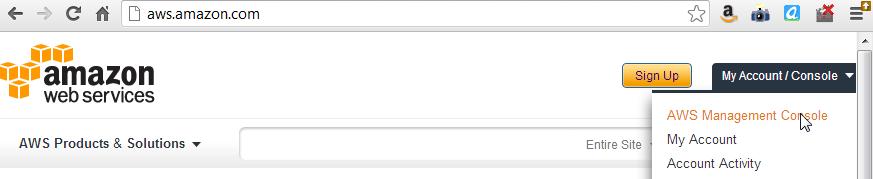
1. Log in to your Amazon AWS Mangement Console
2. Go to your list of instances
One Response to “How to move / share EC2 instances between accounts (on the same availability zone)”
Leave a Reply
You must be logged in to post a comment.
Hi, this is a comment.
To delete a comment, just log in and view the post's comments. There you will have the option to edit or delete them.